 EN








Indoor LED Wall Brightness: How Many Nits Do You Need?
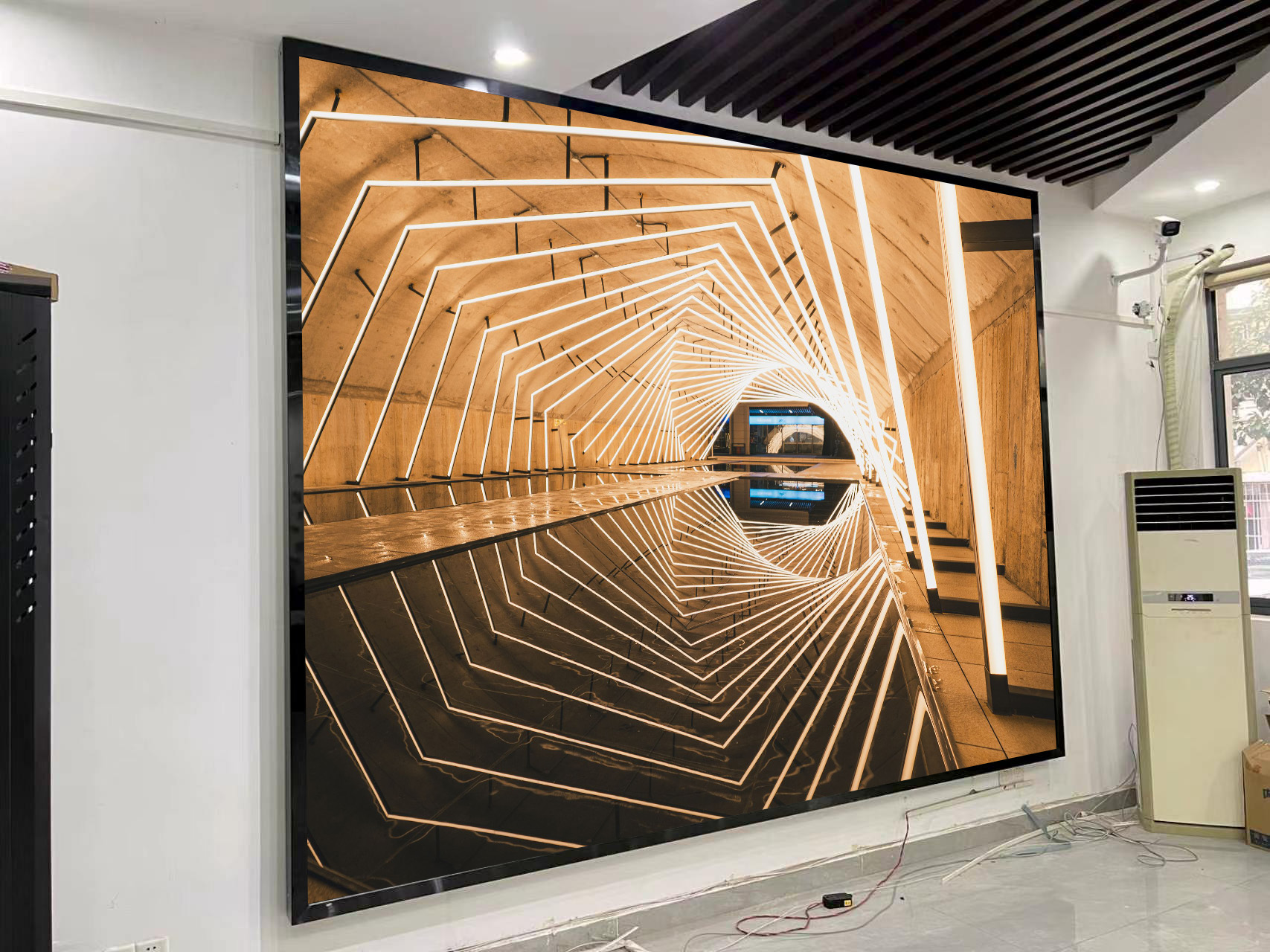
A screen that looks fine in a showroom can be tiring to watch at the end of a conference table. Put that same screen in a lobby opposite a wall of windows and a dark video may look washed out by midafternoon. If you’re comparing indoor LED wall brightness across quotes, start with the room. Take a photo of the proposed screen location when it gets the most daylight, and another under the lighting people will actually use.
What the nit rating tells you
A nit is one candela per square metre (cd/m²). It measures the light coming from the screen in the viewing direction. Ambient light at the screen can be measured in lux. If your AV team takes a lux reading, have them note when and where it was taken so suppliers can assess the same conditions. Sharp’s video wall guide gives 500 to 1,200 nits as a typical range for indoor direct-view LED. Use that range to start a discussion about your room, then compare models at their intended operating settings.
Brightness for meeting rooms and bright lobbies
In a meeting room with blinds and controlled lighting, put a white slide or spreadsheet on the screen and sit in the nearest seat. Leave it up for a few minutes. If the white background feels harsh, turn the brightness down and check that fine text still reads comfortably. Then switch to a dark slide or video and look for shadow detail and uneven patches across the wall.
In a glass-fronted lobby, check the view from the entrance at the brightest time of day. You may see a reflection across one part of the wall even when the rest of the picture looks clear. Try changing the angle of a spotlight or shading the glass before specifying a brighter cabinet. If daylight changes sharply through the day, ask whether the control system can switch between daytime and evening brightness settings.
What to ask for before you approve a quote
Check the brightness after calibration
Ask the supplier for the brightness with calibration enabled and the settings used to measure it. If the wall will show menus or white presentation slides for hours, ask how long it can hold that brightness with a large white area on screen. Request a demo at the level you expect to run daily. Take the files your team actually uses, especially if they include dark backgrounds or small lettering.
If you can only test in a showroom, share your daylight photos and check the sample from roughly the same distance as the nearest viewer. Use both a bright slide and a dim scene. You’ll learn whether the display has enough brightness for the room and whether it still reproduces dark tones when dimmed for everyday use.
Browse our indoor LED displays or send us your room details for help checking brightness for your space. Include the planned screen size, a photo of the wall and the distance to the nearest viewer.